September 28, 2026
Liga Portugal Creators Cup: running a tournament in OBS
The Creators Cup brought nine teams into one afternoon of short matches. Learn how to manage the score, clock, and transitions in OBS.
On September 26, 2026, Betclic won the third Liga Portugal Creators Cup (opens in a new tab) after winning all four of its matches. The competition brought nine teams of streamers, influencers, actors, musicians, comedians, podcasters, and other entertainment figures together in Porto. Beyond the winner, the format offers a useful lesson for any creator producing a tournament: the challenge is not showing one score, but changing matches without carrying over the previous state.
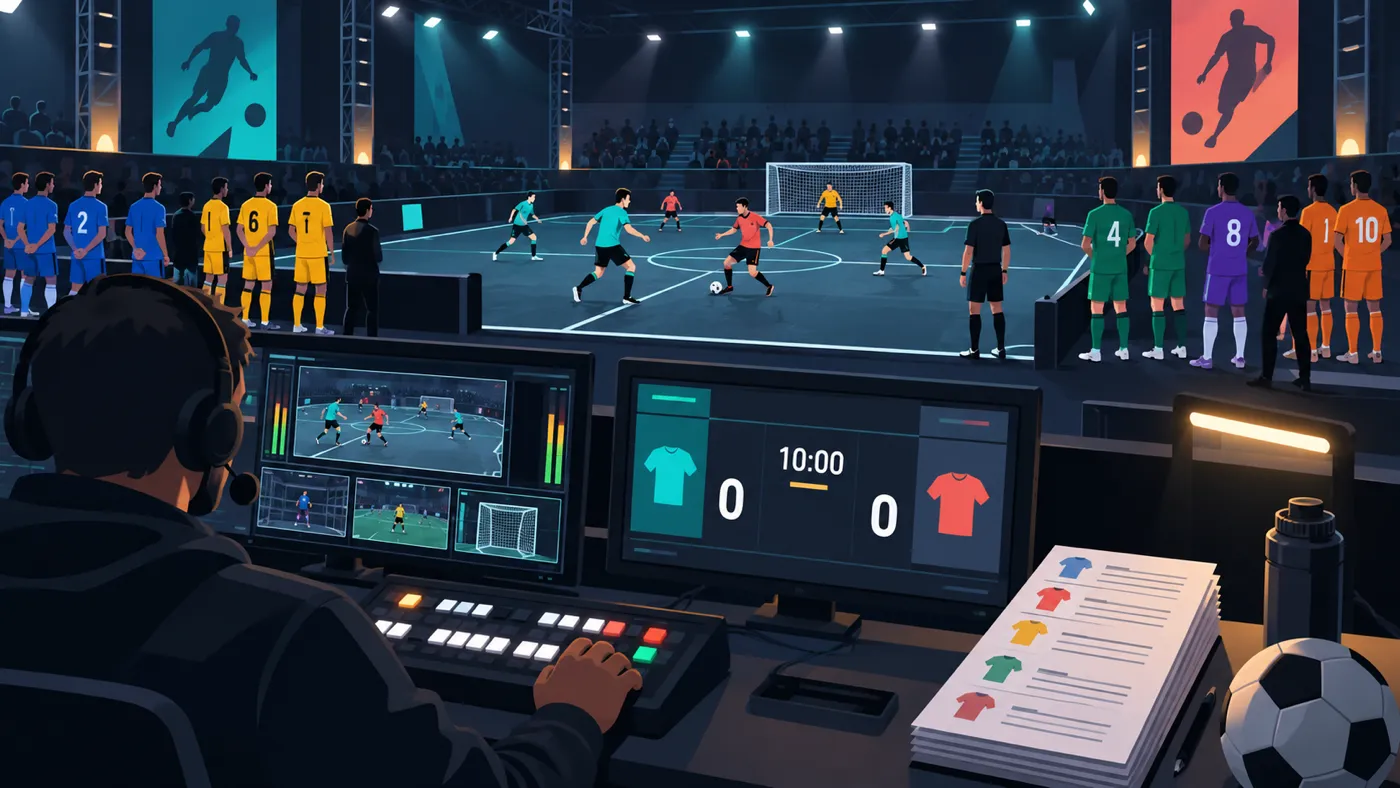
A schedule of short fixtures puts many decisions into a few hours. Team names must change, goals must return to zero, a consistent clock must start, and the producer has to check what viewers will receive before the next kickoff. If those steps exist only in the operator's memory, any transition can leave the wrong teams or an old score on screen.
What the 2026 Creators Cup demonstrated
Liga Portugal reported that Betclic won both group matches, beat the Musicians team in the semifinal, and defeated Sport TV in the final. The organizer also confirmed the individual awards and the event's fundraising role, with proceeds supporting Just a Change. Those are facts about the official competition; they do not imply that its participants, Liga Portugal, or Sport TV use or endorse OverlayOn.
The schedule reported by Diário de Coimbra (opens in a new tab) shows the operational complexity: nine group-stage matches, a playoff, two semifinals, and a final, with 15-minute fixtures scheduled from 2:00 p.m. The teams were split into three groups and represented categories including Streamers, Comedians, Actors, Podcasts, Influencers, and Musicians.
The official team list (opens in a new tab) added the participants and confirmed that Sport TV would carry the event live and exclusively. That exclusivity matters: this article is not suggesting that anyone reuse that feed. The production lesson applies to your own tournaments, friendlies, or commentary when you have the required permissions.
Short tournaments multiply the transitions
In a single match, a bad configuration can be caught during the preview. In a tournament, the end of every fixture opens another risk window. The clock must stop, the result must be recorded, and the next pair of teams must be prepared while the show keeps moving.
Viewers do not always arrive at the beginning either. Someone may open the stream during match seven without knowing the group, colors, or current state. A persistent scoreboard lets them recover the basics without forcing the commentator to interrupt the story. To work well, it should show only confirmed information and remain readable on a small screen.
Separate tournament state from match state. Standings, brackets, and the order of upcoming fixtures belong to the first. The two team names, goals, and time reference belong to the second. A manual scoreboard solves that second layer; it does not calculate who advances from a group or replace an official competition system.
Define one source of truth for every match
Before the event, prepare a sheet for each fixture with the exact team names, their screen order, permitted colors, and the person responsible for confirming goals. Include what the clock represents: elapsed time, a manually operated count-up, or another reference defined by the format.
Do not decide during the broadcast which chat message appears correct. Chat can flag a possible mistake, but the operator should update the score from a reference agreed with the organizer or production team. When a play is under review, it is better to wait, explain the uncertainty, or hide the graphic temporarily than to show an unconfirmed result.
Set the visual limits as well. Text names can identify each side without copying logos. If you plan to use badges, photographs, trademarks, or protected colors, verify that you have permission. A graphics tool does not grant rights to the competition, its participants, or its broadcast.
Prepare the next scene before showing it
The transition should begin while the scoreboard is still hidden. Stop the clock, record the final result, take the graphic off air, and load the two teams for the next fixture. Reset the goals and check the initial state. Do not trust only the control panel: inspect the actual output that OBS is sending.
If one person is hosting and operating, reserve a clear block between matches. A brief holding scene provides time to make changes without showing incomplete fields. When two people are working, use a short confirmation: the operator announces that the next fixture is ready, and the director checks both names before returning to the pitch.
With many fixtures in succession, simple configurations are easier to protect. Persistent elements should answer a real need: teams, goals, and clock. Group information, sponsors, or the next match can appear in separate scenes when they have a reliable source and do not obstruct the main state.
Rehearse errors, not just the opening
A useful test does not end when two teams and a 0-0 appear. Simulate a goal for each side, a correction, a clock pause, and a complete change to another match. Check that the names do not swap, that the hidden clock does not keep running, and that the previous score does not return when the scene is restored.
Rehearse an incident too: losing your reference temporarily, a disallowed goal, or a delay between the feed you are watching and your broadcast. Decide who can order the graphic off screen and how the presenter will explain the situation. That process protects clarity better than maintaining the appearance of precision when the information cannot be verified.
Finally, review the output on a phone and check the contrast. Creator tournaments often attract viewers from social platforms, where many people open a stream on a small screen. A compact scoreboard must remain readable without covering the action or abbreviating names until the teams are no longer recognizable.
Bring a manual scoreboard into your tournament
OverlayOn lets you create a manual football scoreboard, change teams, goals, and time from its editor, and publish the result in OBS as a browser source. For a multi-match day, you can prepare each pairing, operate only confirmed data, and follow the same transition checklist before putting the graphic back on air.
It is not the official Liga Portugal Creators Cup feed, it does not calculate groups, and it does not automate refereeing decisions. It is a way to control the visual layer of your own tournament. If you are preparing a creator competition or local league, configure the OverlayOn football scoreboard (opens in a new tab) and rehearse two complete matches before going live.