National team scoreboard for OBS and Streamlabs ready for live broadcasts
Create a scoreboard overlay for national-team matches in OBS, Streamlabs, or vMix: friendlies, FIFA windows, qualifiers, and every World Cup 2026 match. You type each nation’s name, pick its colors, upload its flag, control the score and the clock from Stream Deck, and paste one URL into your browser source.
- National team scoreboard overlay optimized for OBS
- You type each nation’s name, pick its colors, and upload its flag
- Control score, clock, and goals from Stream Deck or the editor
- Want automatic data? Soccer Pro is a separate template with real-time stats
Compatible with OBS Studio, Streamlabs, vMix, XSplit, and Wirecast. No plugins.
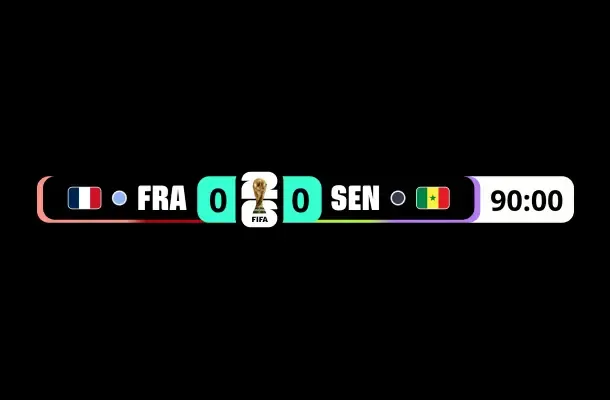
National teams
A template proven at the biggest tournament
World Cup 2026 featured 48 nations, 12 groups, and 104 matches, and this template covered every one of them. It is still available for any national-team match: scoreboard, teams, and controls in one URL that is easy to stream and update.
15,000+
Scoreboards built
National team and soccer scoreboards created by OverlayOn users since Qatar 2022.
48
Nations you build yourself
Type the name, choose the colors, and upload the flag of any nation in seconds.
60s
Estimated setup
From opening the template to having the scoreboard as a browser source in OBS.
Why OverlayOn
A national team scoreboard built for simple live production
Designed for streamers, sports channels, watchparties, and creators who need a clear, editable, stable soccer scoreboard for any national-team match.
Any national side you need
Build any matchup by typing each nation’s name, choosing its colors, and uploading its flag or crest. It works for the World Cup 2026 nations, friendlies, or local tournaments.
Scoreboard for watchparties
Place your webcam, chat layout, and scoreboard in the same scene so your audience can follow the score while you react to the match.
Real-time data with Soccer Pro
If you would rather not touch anything during the match, Soccer Pro is a separate template in the Producer plan: you pick the official fixture and goals, clock, cards, lineups, and stats arrive in real time. This national-team skin stays manual, controlled from the editor or Stream Deck.
Browser source for OBS
Paste one URL into a browser source and the scoreboard appears live. No plugin install or broadcast software restart required.
Compatible with your software
Use the same overlay in OBS Studio, Streamlabs Desktop, vMix, XSplit, and Wirecast. If you switch setups, your configuration stays with you.
Goals and clock under your control
Add a goal, fix a mistake, or start, pause, and reset the clock from the editor, the Elgato Stream Deck plugin, or the web Stream Deck, without touching OBS.
Nations on your scoreboard
Any national-team matchup on your scoreboard
You type each nation’s name, choose its colors, and upload its flag. No closed lists: any side, any FIFA window.
- USA
- Mexico
- Canada
- Brazil
- Argentina
- Spain
- England
- France
- Germany
- Portugal
- Netherlands
- Morocco
- Japan
It is not limited to the 48 World Cup 2026 nations: you can build Norway, Croatia, Senegal, Ghana, Australia, or Paraguay the same way.
Other competitions
Cover the full season with one account
Use the same account to create soccer scoreboards for Champions League, LaLiga, Premier League, and other tournaments.
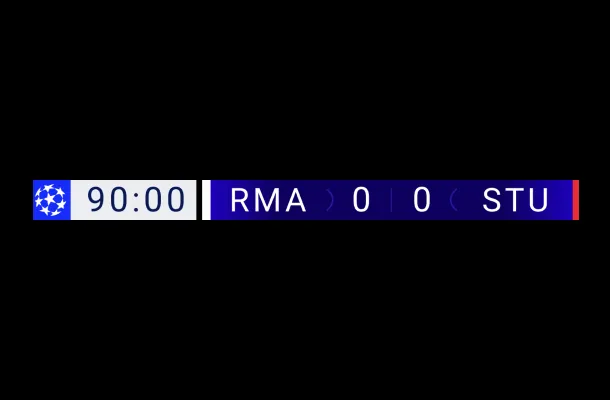 Champions League
Champions League scoreboard
Scoreboard overlay for Champions League streams in OBS and Streamlabs.
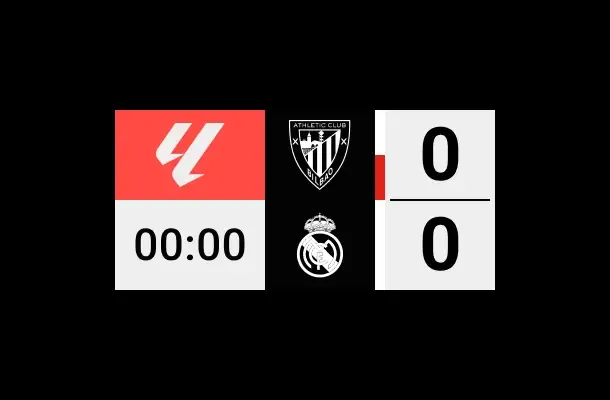 LaLiga
LaLiga scoreboard
Scoreboard template for LaLiga matches in OBS, Streamlabs, and vMix.
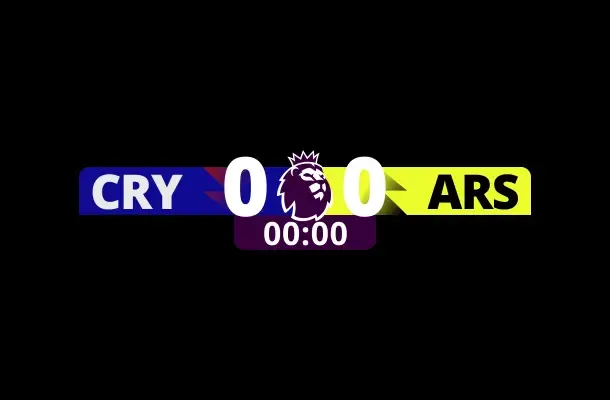 Premier League
Premier League scoreboard
Premier League scoreboard for soccer streams and watch parties.
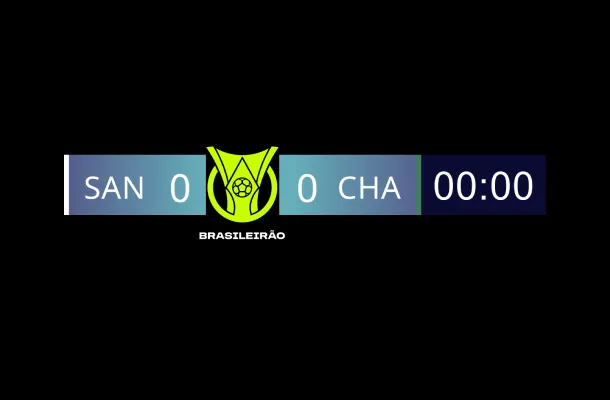 Brasileirão
Brasileirão scoreboard
Scoreboard with the Brasileirão emblem: you build the clubs and drive goals and the clock.
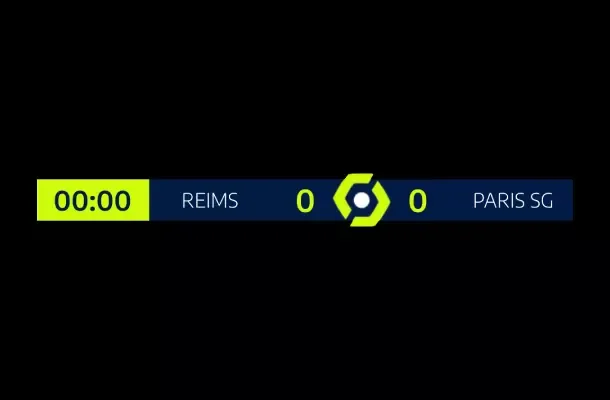 Ligue 1
Ligue 1 scoreboard
Scoreboard with the classic Ligue 1 emblem for French football streams in OBS.
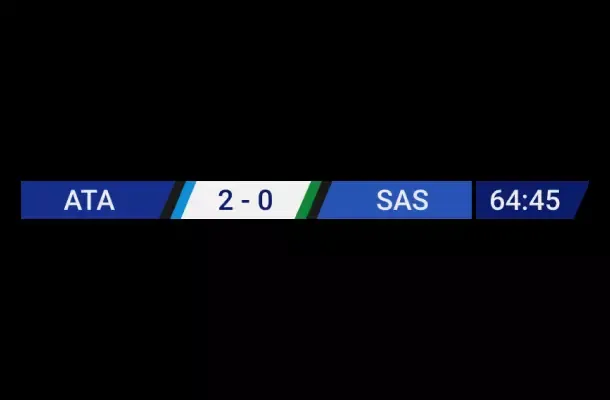 Serie A
Serie A scoreboard
Scoreboard with the Serie A emblem for Italian league streams in OBS and vMix.
How it works
How to create your national team scoreboard in OBS
Open the national team template
Open the editor with the national team scoreboard loaded and ready to customize.
Set up the match
Type each nation’s name, choose its colors, and upload its flag.
Hook up Stream Deck
Bind the template to the Elgato plugin or the web Stream Deck to control goals and the clock.
Paste the URL into OBS
Paste the URL as a browser source in your OBS, Streamlabs, or vMix scene.
Integrations
Ready for the main streaming tools
The scoreboard works as a browser source in the most-used live production platforms.
- OBS Studio
- Streamlabs
- vMix
- XSplit
- Wirecast
How to create a soccer scoreboard in OBS, step by step
A practical walkthrough for adding a soccer scoreboard overlay to OBS Studio and streaming it on Twitch or YouTube.
Read the full tutorialSimple, transparent pricing
Pick your plan and unlock power features.
Starter
Perfect for new streamers getting started.
- 3 Starter templates per month
- 2 Ocoins included per month
- No watermark
- Standard email support
Creator
For dedicated creators who want professional polish.
- Unlimited Starter templates
- 3 Creator templates per month
- 5 Ocoins included per month
- Priority support
Producer
The ultimate toolkit for top-tier creators.
- Unlimited Starter templates
- Unlimited Creator templates
- Unlimited Producer templates
- Animated template packs
- 10 Ocoins included per month
- VIP support
* You can cancel the subscription at any time. Secure payments with Stripe. If you have any questions, write to us at [email protected]
FAQ
National team scoreboard FAQ
Yes. World Cup 2026 ran from June 11 to July 19, 2026, hosted by the United States, Mexico, and Canada, and this template covered the full tournament. You build each nation yourself, so it still works for friendlies, FIFA windows, qualifiers, continental tournaments, or any national-team match.
OverlayOn can’t offer legal advice. The template recreates the visual style of the tournament, including a replica of the World Cup trophy emblem, and OverlayOn is not affiliated with, authorized by, or endorsed by FIFA. Using the overlay on your stream is your own responsibility: review the tournament’s rules and your streaming platform’s policies, especially if your broadcast is commercial or monetized.
Build your overlay in the editor, copy the URL, and add it as a browser source in OBS. The same flow works for Streamlabs, vMix, and other tools that support browser sources.
This template is manual: you control the score and the clock from the editor or your Stream Deck, which is why it sits in a cheaper plan. If you want the data to come in on its own, Soccer Pro is a separate template where you pick the official fixture and goals, clock, cards, lineups, and stats arrive in real time.
Yes. You can place your webcam or chat layout in the scene, add the match scoreboard on top, and react with friends, your community, or your Discord channel.
Yes. You create any national side from the editor with its own name and colors, and you can upload its flag or crest. Many casters also use it for friendlies, U-21 matches, or women’s football coverage.
Yes. It is the same scoreboard for every match of a national-team tournament: you type the two nations, choose their colors, upload their flags, and drive goals and the clock from the editor or your Stream Deck. There is no stage to configure, so a group game, a round of 16 tie, and a final are set up exactly the same way.
You can build the overlay and preview it in the editor before subscribing. The manual national team template is included in the Creator plan ($12/month), and Soccer Pro, the separate template with real-time data, in the Producer plan ($30/month). Cancel anytime.
Create your national team scoreboard for OBS today
Set up a scoreboard overlay in under a minute and stream each match with clear, editable graphics compatible with your streaming software.
Create national team scoreboardFIFA World Cup and FIFA World Cup 2026 are registered trademarks of Fédération Internationale de Football Association (FIFA). OverlayOn is not affiliated with, associated with, authorized by, or endorsed by FIFA. The template recreates the visual style of the tournament, including a replica of its emblem, and is offered for editorial and fan use.