September 7, 2026
GTA RP Week and NoPixel V: Twitch Turns Roleplay Into an Event
Twitch runs GTA RP Week from September 8 to 30, 2026, with rewards and its own extension. What roleplay streamers should know about the event.
On September 3, 2026, Twitch announced GTA RP Week (opens in a new tab), an event running for just over three weeks and built around the launch of the NoPixel V roleplay server, which kicks off in closed beta on September 8. The platform is adding GTA Online rewards, global emotes, themed Cheermotes, and a dedicated extension for hopping between broadcasts. Rockstar Games is supporting NoPixel V through its launcher and official channels (opens in a new tab).
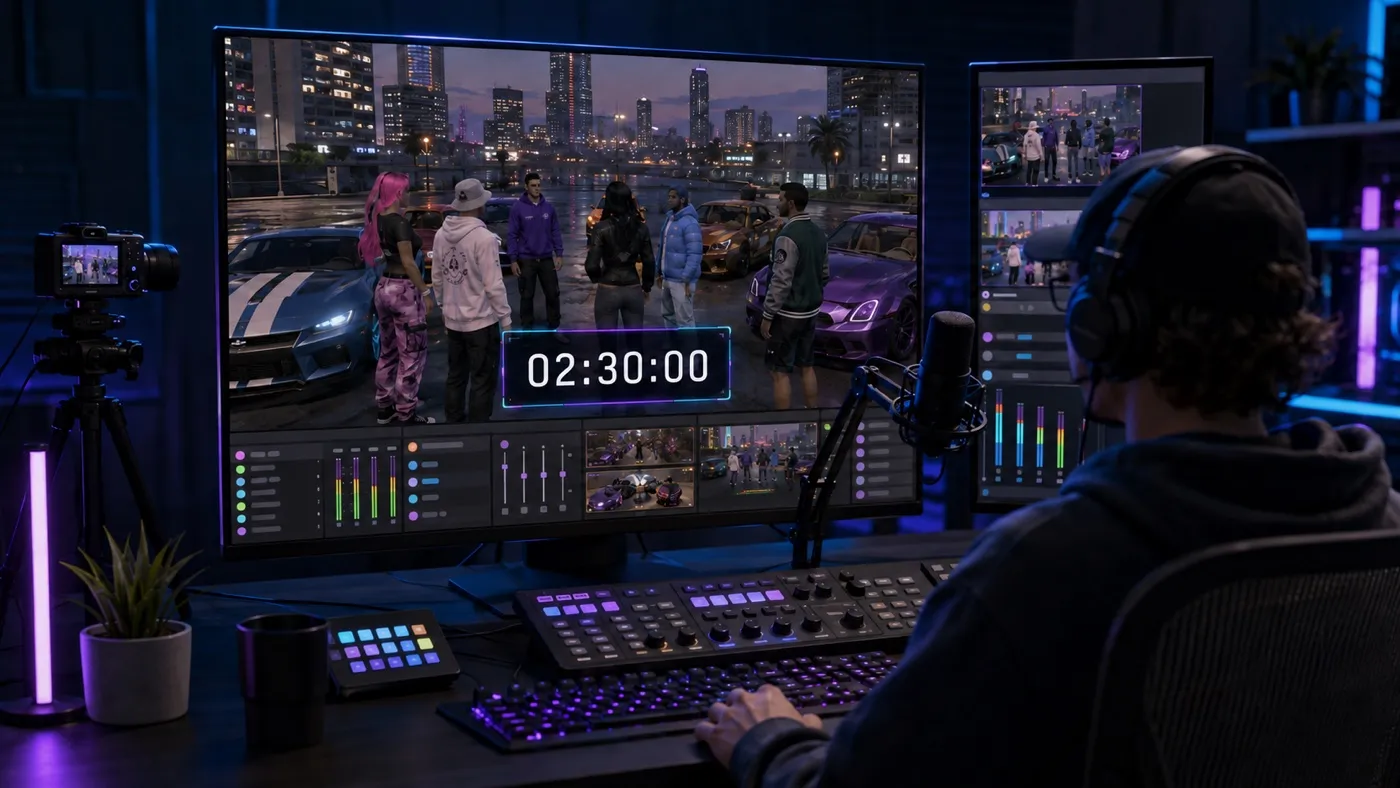
It isn't Twitch's first themed event, but its scope is notable: it lasts a little over three weeks, targets an entire category (Grand Theft Auto V) rather than a single channel, and could attract extra viewer attention because most people won't be able to join the server — they'll only get to watch others play. For anyone streaming roleplay, September 8 to 30 may therefore bring both more discovery opportunities and more competition within the same category.
What exactly happened
According to Twitch's official blog (opens in a new tab), the event works like this:
- Watch-time rewards in GTA Online (September 8 to 30). Watching participating NoPixel V streamers earns up to GTA$1,500,000 plus the Burger Shot Tracksuit. The milestones are GTA$250,000 after 1 hour, another GTA$250,000 after 2 hours, GTA$1,000,000 after 4 hours, and the Tracksuit after 6 hours.
- Global emotes and a chat badge. There are three global emotes: LangBuddha and TrooperSoze, designed by NoPixel founder koil, plus EarnedIt. Subscribing to any streamer in the GTAV category between September 8 and 30 grants access to the NoPixel V badge.
- Automatic themed Cheermotes. Every streamer with active monetization in the GTAV category gets GTAV-themed Cheermotes during the event, with nothing to enable: simply going live in that category is enough.
- The NoPixel extension. A dedicated extension adds clickable hotspots for jumping from one broadcast to another and digital collectible cards that debut daily. Twitch will also maintain a GTA RP Launch Recap whose best clips are updated daily.
Zero1 Gaming's coverage (opens in a new tab) completes the picture: NoPixel V is a closed, invitation-only beta distributed through the Rockstar launcher, NoPixel Public and NoPixel 4.0 remain online, and access will expand in later phases with no announced date. When NoPixel 3.0 launched in February 2021, Grand Theft Auto V briefly ranked among the three most-watched categories on Twitch. This time, the viewer-facing campaign is in place before the server even opens.
Why it matters for streamers
An event of this kind brings three considerations for anyone streaming (or wanting to stream) roleplay:
- An audience with intent may show up. Some people entering the GTAV category during GTA RP Week will be looking for a specific reward or character. They may decide quickly whether a channel gives them a reason to stay.
- The category may become more competitive. Established creators like Lirik and buddha are featured in Twitch's announcement. Smaller channels will share the category with names that already have established audiences.
- The event lasts weeks, not hours. GTA RP Week runs from September 8 to 30, leaving room to build a routine and try to retain some of the viewers who arrive for the rewards.
The key nuance is that Twitch organizes discovery, but it doesn't organize your stream. The rewards, emotes, and extension are designed for viewers; their decision to stick around may be made in your channel within seconds. Clear production can help them understand what is happening and whether the broadcast is for them.
Practical lessons for streamers
Design your stream for first-time viewers
During GTA RP Week, part of your audience may not know you. That makes the opening worth reviewing: what's on screen when someone drops in, whether it's clear which character you're playing and what's happening in the scene, and whether there's an easy way to follow along without knowing the backstory. In roleplay, viewers can land on an unfamiliar channel after moving between broadcasts through the extension or a clip. A clear introduction to the character and the moment in the scene can help them find their bearings before deciding whether to stay.
Give high-attention periods a clear structure
The watch-time milestones — GTA$250,000 after 1 hour, another GTA$250,000 after 2 hours, GTA$1,000,000 after 4 hours, and the Tracksuit after 6 hours — give viewers a reason to keep watching, but the streamer still sets the pace. For regular event coverage, defined blocks, announced breaks, and a clear end time can be more useful than stretching every broadcast indefinitely. A visible endpoint helps viewers understand the structure, and the end of a block is also a natural moment to announce the next stream.
Prepare for community support moments
The event automatically activates themed Cheermotes for every monetized channel in the category, and the badge is earned by subscribing. In other words: the platform supplies a reason to support; what remains open is how the channel responds when that support arrives. Support that receives no on-screen response can pass unnoticed, while acknowledging it promptly can turn it into a shared moment. That's where live production complements the event's design: the Cheermotes are automatic on Twitch, but reacting to them live is up to the streamer.
That doesn't mean every broadcast should become a subathon. If you deliberately set aside a community-goal stream, an OverlayOn subathon countdown can show the remaining time while Twitch subscriptions and Bits add to it. Publish the session's rules and limits in advance, choose a template, set the initial duration, connect Twitch, and decide how much time each subscription or Bits contribution adds. Then paste its URL as a Browser Source in OBS, Streamlabs, or vMix. If that format fits your community, you can create a countdown overlay on OverlayOn and test it before your next stream.
It's worth noting the limit: OverlayOn doesn't add in-game rewards and doesn't replace the NoPixel extension; it works on what you do control — the presentation and pacing of your stream.
Sources
- Twitch: GTA RP Week, rewards, and NoPixel V extension (announcement of September 3, 2026) (opens in a new tab)
- Rockstar Games: Introducing NoPixel V (September 1, 2026) (opens in a new tab)
- Zero1 Gaming: NoPixel V turns GTA roleplay into a Twitch launch event (September 4, 2026) (opens in a new tab)