

Countdown timers that build hype and revenue
Launch streams, announce events, or run subathons with a countdown overlay. Add time on Twitch with follows, subs, bits, and raids, and share a card-payment URL for any platform.
Works with OBS, Streamlabs, vMix, and more.
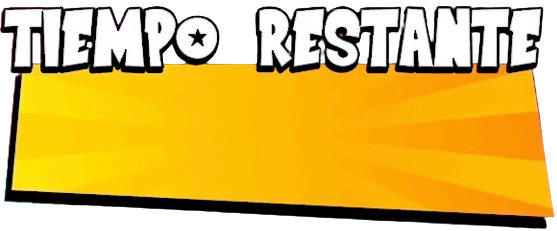
Visual example. Time rules are fully configurable.
80% to the streamer
For card contributions, most of the earnings go directly to the creator.
Countdown toolkit
Everything you need for a high-impact countdown
Built for subathons, launches, and live streams that need urgency.
Twitch triggers
Add time automatically from follows, subscriptions, bits, and raids.
Card-payment subathon
Generate a URL so anyone can add time from any platform.
25+ themed templates
Ready-made styles for Minecraft, boxing, Fortnite, Christmas, and more.
Unique AI backgrounds
Generate one-of-a-kind backgrounds so every countdown feels custom.
Subathon
Subathon without platform limits
Combine Twitch automation with a card-payment URL to add time on any stream.
Twitch mode
Connect your channel and set rules per event.
- Follows, subs, bits, and raids add time
- Different rules for each event type
- Second-by-second live updates
Card contributions
Enable a secure URL for donations outside Twitch.
- Perfect for YouTube, TikTok, Kick, or IRL events
- Streamers keep 80% of card contributions
- Share the link in chat, bio, or description
80% to the streamer
Templates
25+ countdown templates
Theme your timer to match the moment.
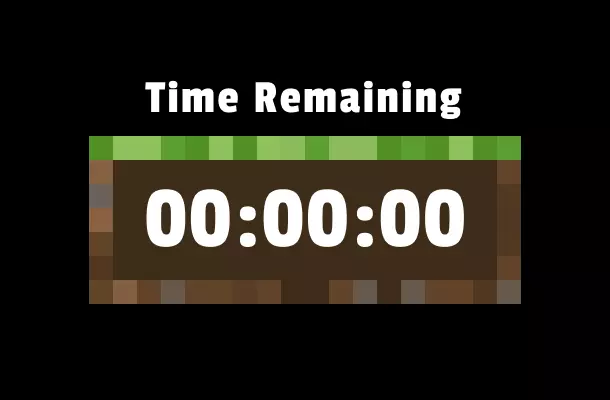
Minecraft
Blocky pixel art with gamer vibes.
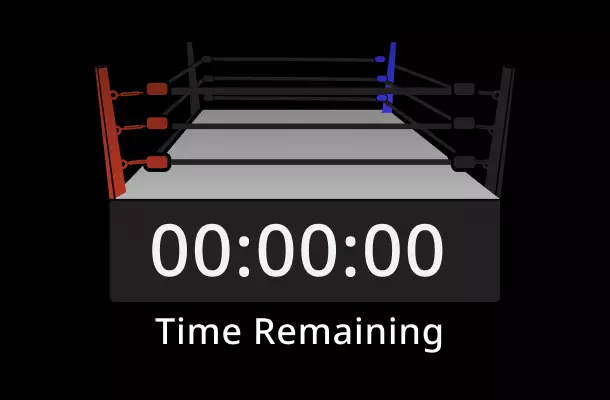
Boxing
Round bells and high-energy visuals.
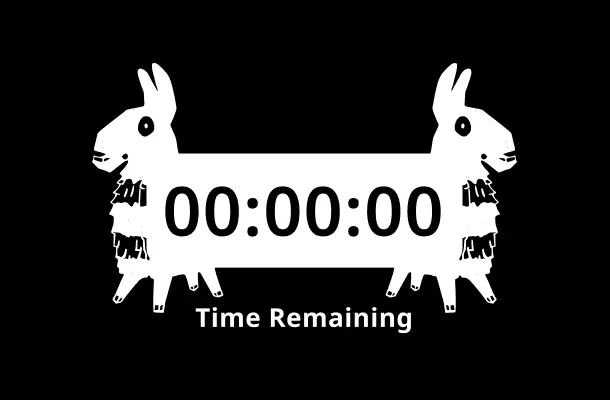
Fortnite
Vibrant colors and competitive HUDs.
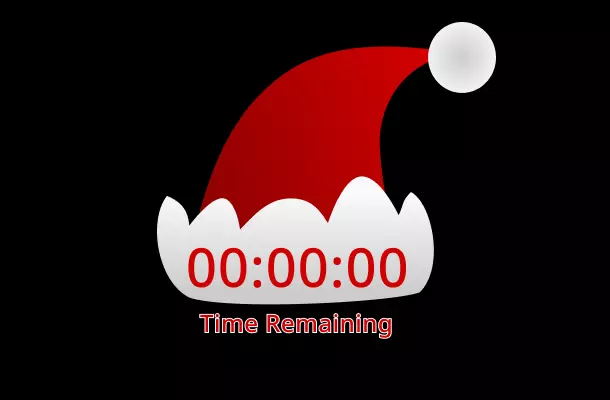
Holiday
Snow, lights, and seasonal energy.
AI
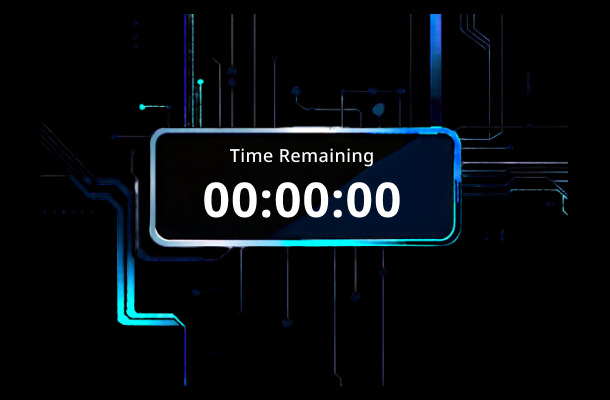
AI backgrounds for a unique countdown
Describe the vibe and generate a custom background in seconds.
- Unique image per streamer and event
- Mix colors, styles, and themes
- Ready to use as a browser source
Prompt example: "neon forest, pixel art style, minimal countdown overlay"
Setup
Publish your countdown in minutes
Pick a template
Choose a style and customize colors and fonts.
Set the date
Configure the countdown end or subathon mode.
Configure triggers
Decide how much time each event or contribution adds.
Copy the URL
Paste the URL into OBS and you are live.
Step-by-step countdown guide
A complete tutorial for setting up your countdown overlay in OBS.
Read the articleSimple, transparent pricing
Start for free, upgrade for power features.
Starter
Perfect for new streamers getting started.
- 3 Starter templates per month
- 2 Ocoins included per month
- No watermark
- Standard email support
Creator
For dedicated creators who want professional polish.
- Unlimited Starter templates
- 3 Creator templates per month
- 5 Ocoins included per month
- Priority support
Producer
The ultimate toolkit for top-tier creators.
- Unlimited Starter templates
- Unlimited Creator templates
- Unlimited Producer templates
- Animated template packs
- 10 Ocoins included per month
- VIP support
* You can cancel the subscription at any time. Secure payments with Stripe. If you have any questions, write to us at [email protected]
FAQ
FAQ
Yes, it works as a browser source in OBS, Streamlabs, vMix, and other compatible tools.
Yes, you can combine Twitch events with card contributions to add time simultaneously.
The URL is platform-agnostic, so it works on YouTube, TikTok, Kick, or IRL events.
Streamers keep 80% of the revenue from card contributions.
Yes, there are 25+ templates, and you can generate unique AI backgrounds.
Launch your countdown and boost urgency
Create a countdown overlay in minutes and turn every event into hype.
Create my countdown